
Muqeem Visa Status Check
Learn how to check visa information through Muqeem, verify Exit & Re-Entry and visit visa details, and understand the information shown by the verification service.
Open Muqeem Visa Portal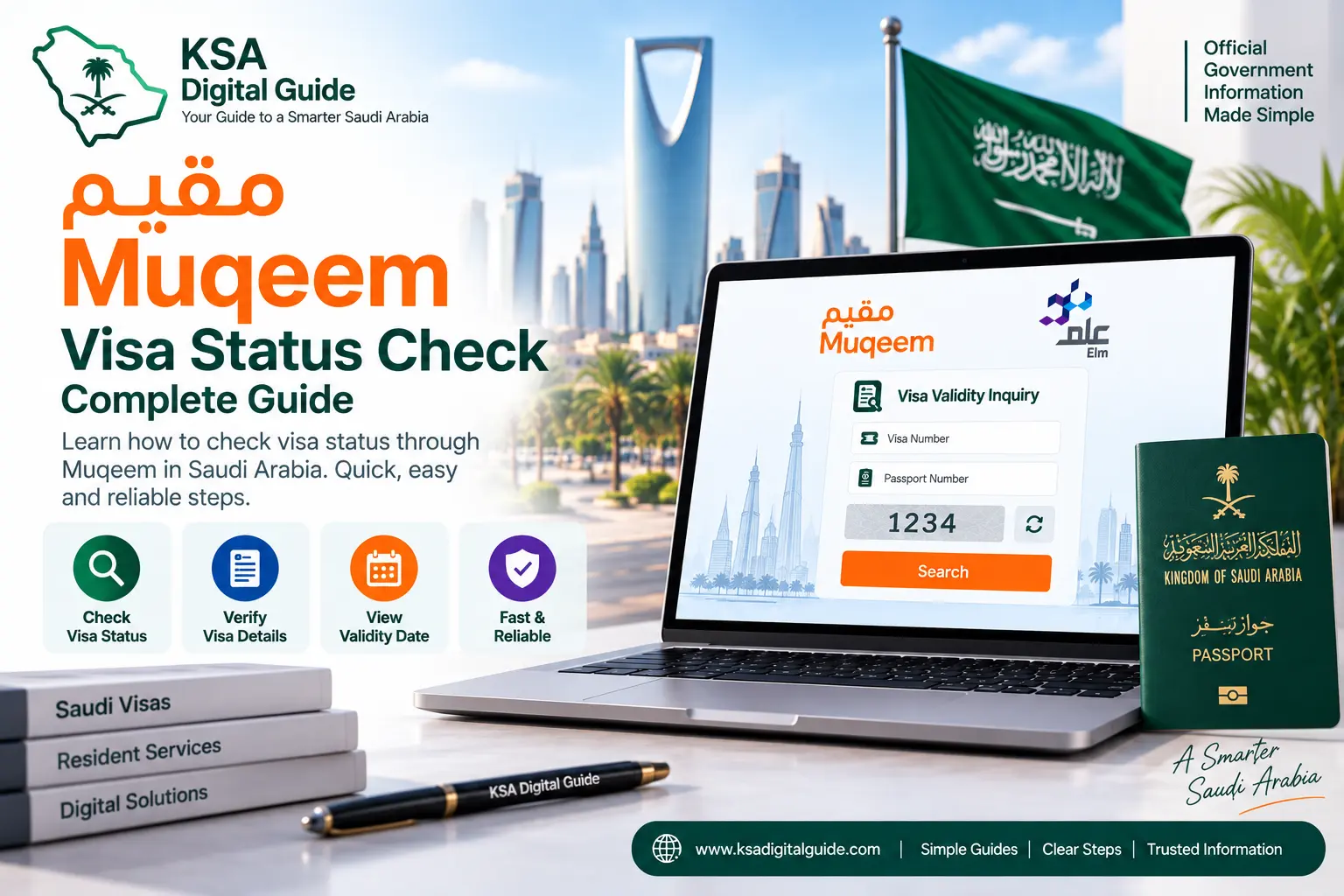
What Is Muqeem Visa Verification?
Muqeem provides an online Visa Validity Portal for checking visa information. The service is separate from the normal Muqeem organization login dashboard.
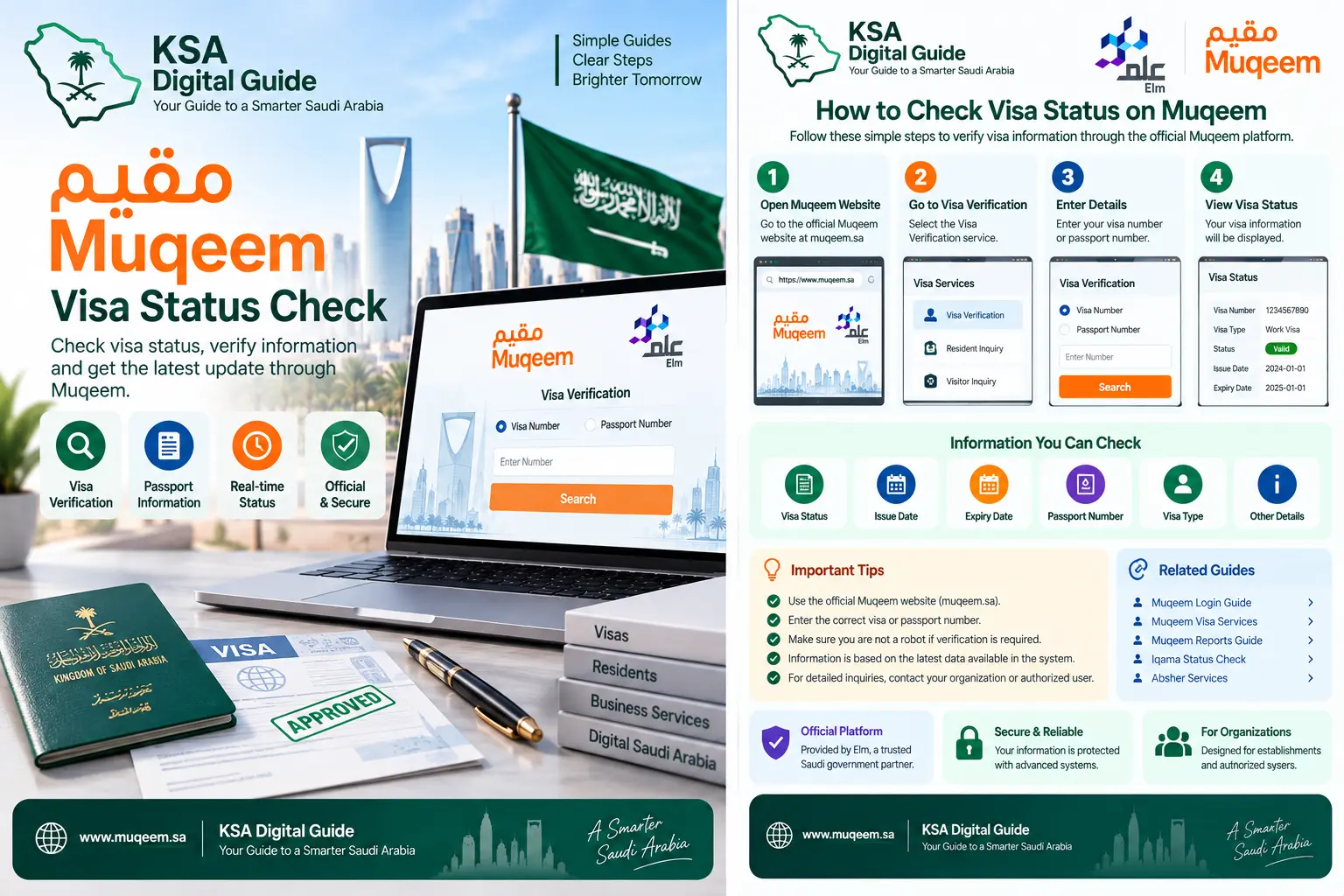
According to the official Muqeem user manual, the verification page allows the user to select the visa type and the available verification method. After the required number is entered and verification is submitted, the system displays the visa details and status.
Which Visa Types Can Be Checked?
Exit & Re-Entry Visa
The official Muqeem manual states that Exit & Re-Entry visa verification can be performed using the resident’s Iqama number.
Visit Visa
The official Muqeem manual states that visit visa verification can use the visitor’s Border Number.
How to Check Visa Status Through Muqeem
Follow the official verification flow.
Select the Visa Type
Select the relevant visa type, such as Exit & Re-Entry or Visit Visa, according to the verification you need.
Select the Verification Method
Choose the verification method available for the selected visa type.
Enter the Required Number
For Exit & Re-Entry verification, the official manual specifies the Iqama number. For a visit visa, it specifies the Border Number.
Select Verify
Submit the information by selecting the verification button on the portal.
Review the Visa Details
The system displays the available visa details and status after successful verification.
What Information Can You See?
After successful verification, Muqeem displays the visa information available through the verification service. The official manual describes the result as showing the visa details and its status.
Visa Details
- Visa type
- Visa-related information available in the result
- Verification information
- Current status shown by the system
Use the Result Carefully
- Check that the entered number is correct.
- Read the visa status displayed by the official portal.
- Do not rely on screenshots from unofficial sources.
- For an issue with the underlying visa record, contact the responsible authority or organization.
Muqeem Visa Check vs Muqeem Login
Visa Validity Portal
The Visa Validity Portal is used to verify visa information and status through the available verification options.
Open Visa Portal →Muqeem Platform Login
The main Muqeem platform is used by establishments and authorized users to access organization-based resident and passport services.
Read Muqeem Login Guide →Common Muqeem Visa Verification Problems
Incorrect Iqama or Border Number
Check the number carefully before submitting the verification request. For Exit & Re-Entry verification, use the Iqama number. For a visit visa, use the Border Number as specified by the official Muqeem manual.
Wrong Visa Type Selected
Make sure you select the correct visa type before entering the verification information.
No Result Appears
Recheck the entered information and try the official portal again. If the record still cannot be verified, the issue may require checking with the relevant organization or government authority.
Portal Is Not Loading
Check your internet connection and try opening the official portal again. You can also try another browser if the page does not load correctly.
Visa Information Looks Incorrect
Do not assume that a verification error means the visa is cancelled or expired. First check the entered information and then contact the responsible authority or organization if the displayed record appears incorrect.
Important Points Before Checking a Visa
For Accurate Verification
- Use the official Muqeem portal.
- Select the correct visa type.
- Enter the required identification number correctly.
- Review the displayed result carefully.
For Your Security
- Do not share your personal visa information publicly.
- Do not use unknown visa-check websites.
- Do not share account passwords.
- Use official government or authorized platforms for important decisions.
Muqeem Visa Status Check FAQ
How can I check my visa status through Muqeem?
Open the Muqeem Visa Validity Portal, select the relevant visa type and verification method, enter the required number and submit the verification request. The system then displays the available visa details and status.
Can I check an Exit & Re-Entry visa using Muqeem?
Yes. The official Muqeem user manual describes Exit & Re-Entry visa verification using the resident’s Iqama number.
Can I check a visit visa through Muqeem?
Yes. The official Muqeem manual describes visit visa verification using the visitor’s Border Number.
Do I need to log in to check visa information?
The Muqeem Visa Validity Portal provides a separate verification interface. It should not be confused with the main organization login dashboard.
What if Muqeem shows the wrong visa information?
First check that you selected the correct visa type and entered the correct identification number. If the information still appears incorrect, contact the relevant authority or organization responsible for the visa record.
Is Muqeem visa verification free?
This article does not assume a fee for the public verification step. Always check the current official Muqeem portal for the latest service conditions.
Related Guides
Official Sources
Need More Saudi Visa Guides?
Explore KSA Digital Guide for simple guides about Muqeem, Absher, Nafath, Iqama, Saudi visas and other digital services.
Explore KSA Digital Guide