
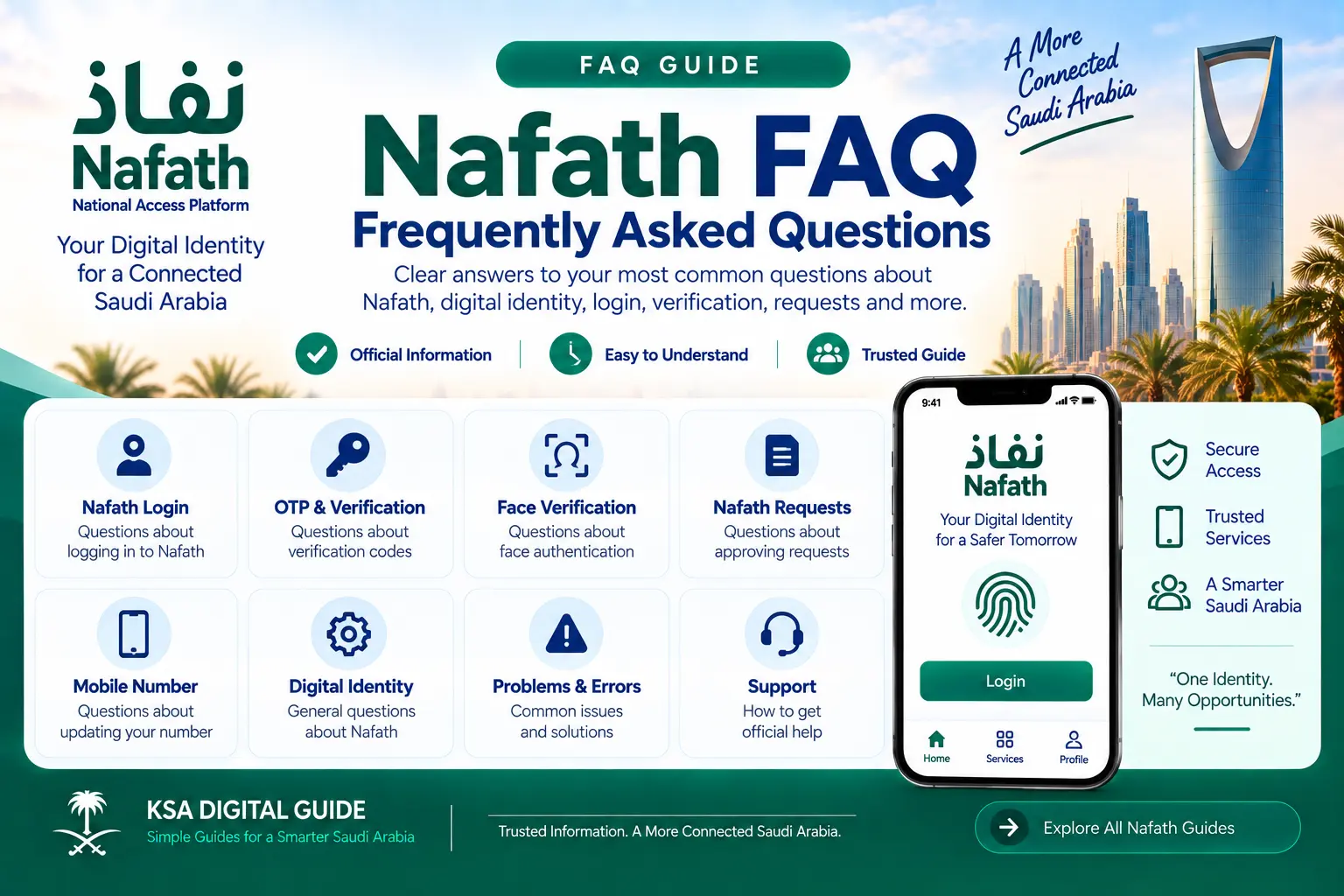
Nafath FAQ: Frequently Asked Questions
Clear answers to common questions about Nafath login, OTP, identity verification, face verification, requests, digital identity, mobile number updates and support.
Login
Questions about accessing Nafath and starting verification.
OTP
Answers about verification codes and mobile numbers.
Face Verification
Common questions about biometric verification.
Requests
How Nafath requests are received and approved.
Mobile Number
Questions about updating the Nafath mobile number.
Digital Identity
Questions about managing your digital identity.
Problems
Common access, verification and app problems.
Support
Official Nafath support channels and help.
What Is Nafath?
Nafath is a national digital identity system in Saudi Arabia. It helps users verify their identity and securely access digital services from government and private entities.
The Nafath app includes services for request acceptance, biometric verification and digital identity account management.
Nafath Login Questions
How do I log in to Nafath?
Open the Nafath app and use your national ID or Iqama number with your Absher password when requested. Complete the required verification steps shown in the app.
Do I need Absher to use Nafath?
Many Nafath identity processes use information connected with your Absher account. The exact authentication flow depends on the service you are using.
Why can I not log in to Nafath?
Check that your ID number, Absher password and verification information are correct. If the Nafath app itself is not completing the process, use the official Nafath support channels.
Can I use Nafath to access government and private services?
Yes. Nafath provides digital identity authentication for supported government and private service providers.
Nafath OTP Questions
Why am I not receiving the Nafath OTP?
First check that the mobile number being used for the relevant digital identity process is correct and that your phone can receive SMS messages. If the problem continues, contact Nafath support.
Can I change the mobile number used with Nafath?
Yes. Nafath provides a Digital Identity Mobile Number Update service. The current user guide includes entering the new mobile number, receiving an OTP on the new number and completing biometric verification.
Why is my OTP not working?
Make sure you enter the current verification code and complete the process within the time allowed by the screen. Do not share your OTP with another person.
Nafath Identity & Face Verification
What is Nafath face verification?
Face verification is part of Nafath’s biometric identity verification process. The app may ask you to position your face correctly and capture it through the camera.
Why is Nafath face verification failing?
Follow the instructions shown by the app. The official user guide requires the face to be positioned correctly inside the frame and the capture process to be completed as instructed. Camera condition and sufficient lighting can also affect the capture process.
Why does Nafath biometric verification not complete?
Carefully follow the biometric instructions displayed in the app. For supported processes, Nafath may require fingerprint or face verification before the identity check is completed.
Is biometric verification available 24/7?
Nafath’s official service information states that biometric verification is available 24/7 and is intended to be completed immediately when the service is operating normally.
Nafath Requests
What is a Nafath request?
A Nafath request is an identity verification request sent by a supported government or private service to the Nafath app. You can review the request and accept or reject it.
How do I approve a Nafath request?
Open the Nafath app, go to the Requests section and review the incoming request. Select the matching request number, choose Accept and complete the required PIN or biometric verification.
Why did I receive a Nafath request?
A supported service provider may send a request when it needs you to verify your identity. Always check that the request matches the service you are currently trying to access.
What should I do if I receive an unexpected Nafath request?
Do not approve a request that you do not recognize. Check the request details carefully and contact the relevant service provider or Nafath support if you believe the request is suspicious.
Nafath Digital Identity Questions
What is Nafath Digital Identity?
Nafath provides digital identity services that help users authenticate themselves when accessing supported digital services.
Can I activate my digital identity through Nafath?
Yes. The current Nafath app includes Digital Identity Activation as part of its digital identity account management services.
Can I temporarily suspend my digital identity?
Yes. Nafath currently lists Digital Identity Temporary Suspension as an account-management service.
Can Nafath use biometric authentication?
Yes. Biometric verification is one of the core services provided through Nafath.
Nafath Mobile Number Questions
How can I update my Nafath mobile number?
Open Nafath and use the Digital Identity mobile-number update option under Settings. The official user guide describes entering your ID and Absher password, entering the new mobile number, confirming the OTP sent to the new number and completing biometric verification.
Does the new mobile number receive an OTP?
Yes. The official Nafath user guide states that an OTP is sent to the new mobile number during the update process.
Do I need biometric verification when changing my Nafath number?
Yes. The current Nafath user guide includes biometric verification as part of the mobile-number update process.
When should I check the updated number?
The current Nafath user guide advises checking the update after approximately 10 minutes.
Nafath Problems & Errors
Many Nafath problems can be separated into two categories: an issue with Nafath itself or an issue with the service provider you are trying to access.
| Problem | What to Check |
|---|---|
| Nafath login problem | Check your ID details, Absher password and the verification process shown by the app. |
| OTP not received | Check the mobile number and SMS reception, then try the verification process again. |
| Face verification failed | Follow the camera and face-position instructions shown in Nafath and ensure sufficient lighting. |
| Request not appearing | Confirm that the service provider actually submitted the authentication request and that you are checking the Requests section. |
| Nafath verification succeeds but service does not open | Contact the service provider directly because the problem may be with the provider’s own service. |
Nafath Security & Privacy Questions
Should I share my Nafath password with someone?
No. Nafath’s privacy guidance advises users not to share login information or confidential information with others.
Should I share a Nafath OTP with another person?
No. Treat verification codes as confidential and do not provide them to another person.
Is Nafath concerned with user privacy?
Nafath has an official privacy policy covering user data, data handling and security responsibilities. Users should also use Nafath on a secure device and protect their login information.
How to Contact Nafath Support
If the normal troubleshooting steps do not solve the problem, use the official Nafath support channels.
| Support Channel | Contact | Availability |
|---|---|---|
| Call Center | 8001221111 | 24/7 |
| Support@nic.gov.sa | 24/7 | |
| X | @NIC_Care | 24/7 |
Nafath’s official support information currently provides these channels for inquiries and technical support.
More Nafath FAQs
Is Nafath the same as Absher?
No. Absher is a major Saudi government digital-services platform, while Nafath provides digital identity and authentication services that can be used to securely access supported services.
Is Nafath available on mobile?
Yes. Nafath provides a mobile application for digital identity verification and related services.
Can Nafath use biometrics for identity verification?
Yes. Biometric verification is one of the core services provided through Nafath.
What if Nafath works but another website does not?
If Nafath verification completes successfully but the service provider’s website or application does not continue, contact the service provider directly.
Where can I find the official Nafath user guide?
The official Nafath website provides a user guide covering login, requests, digital identity management and biometric verification.
Related Nafath Guides
Official Nafath Sources
Need Help With Another Saudi Digital Service?
Explore more simple guides for Absher, Nafath, Iqama, visas, traffic, work services and other Saudi digital services.
Explore KSA Digital Guide