
Tawakkalna Registration & Login Guide
Learn how to create a Tawakkalna account, verify the required mobile number and log in to the Tawakkalna app in Saudi Arabia.
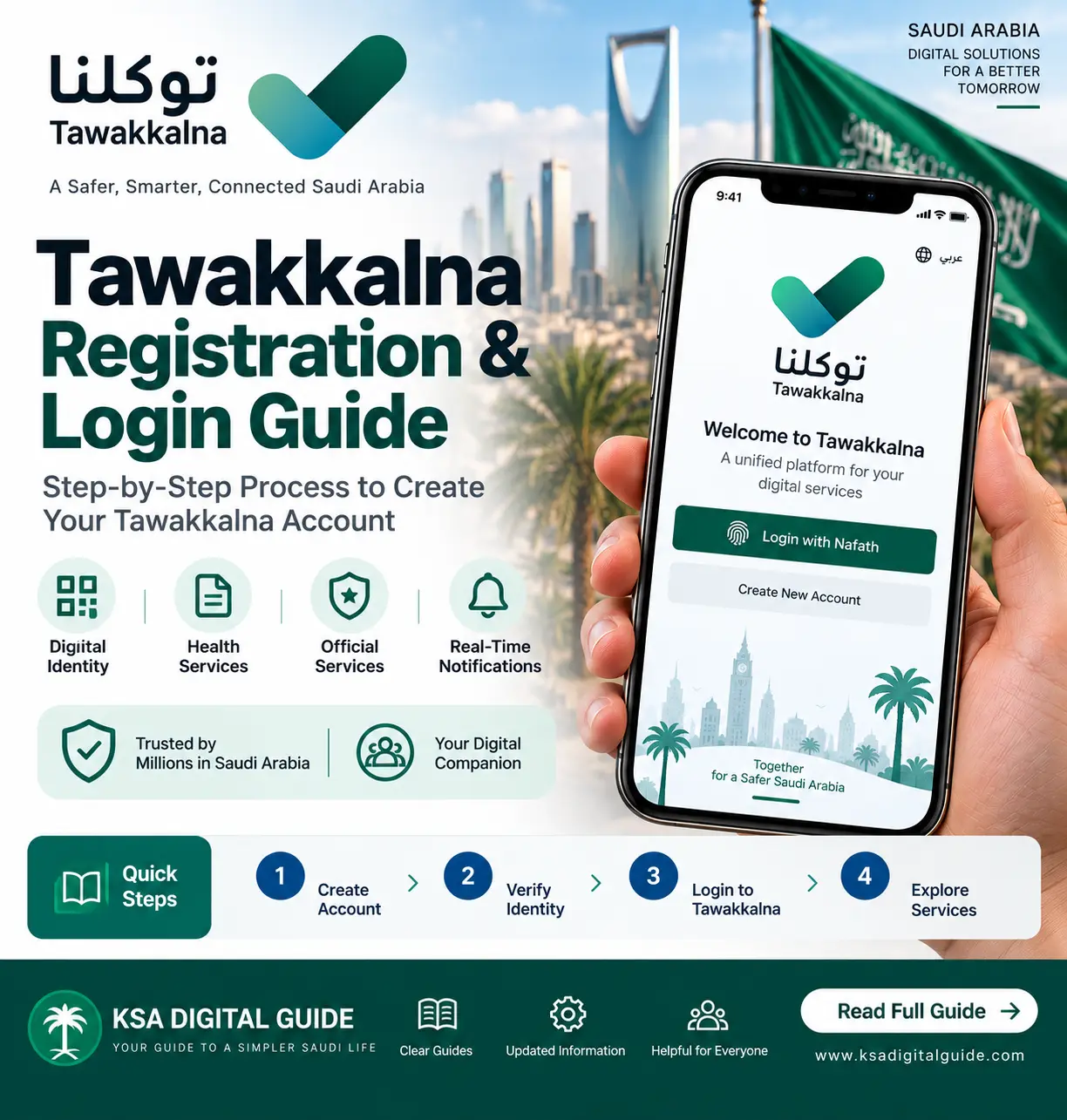
Citizens and residents who have an Absher account can register for Tawakkalna using their ID number and date of birth. The mobile number registered in Absher is used during registration. If you do not have an Absher account, your mobile number must first be verified through Tawakkalna’s mobile-number identification service before registration. Visitors and GCC nationals have a separate registration process using their passport or GCC ID information.
Tawakkalna Registration Requirements
The exact registration information depends on whether you are a citizen, resident, visitor or GCC national.
Citizen or Resident
An Absher account can be used for Tawakkalna registration. You need your ID information and date of birth.
Mobile Number
Citizens and residents with Absher use the mobile number registered in Absher during Tawakkalna registration.
Without Absher
Your mobile number must first be identified through the official mobile-number identification service.
Visitor or GCC National
Registration uses passport or GCC ID information, nationality, date of birth and mobile number.
Tawakkalna App
Install the current official Tawakkalna application before starting registration or login.
Verification
Follow the verification steps shown by Tawakkalna during account creation.
How to Register in Tawakkalna for Citizens & Residents
SDAIA’s current FAQ states that a citizen or resident with an Absher account can create a Tawakkalna account using their ID number and date of birth. The mobile number registered in Absher is used during registration.
How to Register in Tawakkalna Without Absher
You can still register in Tawakkalna without having your own Absher account, but your mobile number must first be identified through the official mobile-number identification service.
The National Platform states that a citizen, resident or visitor who wants to register in Tawakkalna but does not have a verified Absher account can have their mobile number electronically identified through Absher.
How the mobile-number identification works
After the mobile number has been identified, the person can continue with Tawakkalna registration.
Tawakkalna Registration for Visitors & GCC Nationals
Visitors and GCC nationals have a separate registration process. SDAIA states that they can create a Tawakkalna account using the required passport number or GCC ID number, nationality, date of birth and mobile number.
- Passport number or GCC ID number
- Nationality
- Date of birth
- Mobile number
- Any additional information requested by the current app
Do not use the citizen/resident registration steps as a substitute for the visitor or GCC registration flow. Tawakkalna provides a separate process for these users.
How to Log In to Tawakkalna
After creating a Tawakkalna account, you can use the login option in the app to access your account.
SDAIA’s FAQ states that citizens and residents with a Tawakkalna account can log in using their ID number and Tawakkalna account password. Visitors and GCC nationals can use their passport/GCC ID, nationality and account password.
Tawakkalna Mobile Number Verification
Your mobile number is important during Tawakkalna registration. For citizens and residents with Absher, Tawakkalna uses the mobile number registered in Absher.
If you do not have a verified Absher account, the National Platform provides the “Identify Mobile Number for Tawakkalna App” service. The service is available for citizens, residents and visitors.
- Open the Absher platform.
- Go to My Services.
- Choose Services.
- Open General Services.
- Select Identify Mobile Number for Tawakkalna App.
- Enter the required user and mobile information.
- Confirm and submit the request.
Common Tawakkalna Registration & Login Problems
Mobile Number Not Verified
If your mobile number is not properly linked or verified, check the Absher mobile information or use the official mobile-number identification service where applicable.
OTP Not Received
Check that the mobile number being used is correct and can receive messages. Then retry the verification process.
Wrong Account Details
Recheck your ID, passport or GCC ID information and use the credentials associated with your Tawakkalna account.
App Access Problem
Make sure you are using the current official application and try again after updating the app if an update is available.
Registration Without Absher
If you do not have an Absher account, complete the official mobile number identification process before attempting Tawakkalna registration.
Visitor Registration
Visitors should use the visitor registration process rather than entering resident information.
Tawakkalna Account Security Tips
- Download Tawakkalna from an official app store.
- Do not share your password or verification codes with others.
- Keep your phone and Tawakkalna application updated.
- Check the account details before completing verification.
- Use official Tawakkalna or Saudi government channels for support.
Official Tawakkalna App
Tawakkalna is currently listed as the National Super App and is developed by the National Information Center. Its current features include government services, important documents, personal information, entity services, search and important messages.
Tawakkalna Registration & Login FAQ
Citizens and residents with an Absher account can create a Tawakkalna account using their ID number and date of birth. Their Absher-registered mobile number is used during registration.
Yes. Your mobile number must first be identified through the official Tawakkalna mobile-number identification service.
In Absher, go to My Services → Services → General Services → Identify Mobile Number for Tawakkalna App, then enter the required information and submit the request.
Open the official Tawakkalna app, choose Login and enter the credentials associated with your account.
Yes. Visitors and GCC nationals have a separate registration process using passport or GCC ID information, nationality, date of birth and mobile number.
Tawakkalna is the National Super App that brings together government services, digital documents, personal information, entity services, messages and other digital services.
Related Tawakkalna Guide
Need More Tawakkalna Help?
Explore our Tawakkalna guide for digital documents, government services and other app features.
Explore Tawakkalna Guide →