
Nafath Guide: Services, App, Login & Digital Identity
Nafath is Saudi Arabia’s national digital identity platform used to verify identity and provide secure access to digital services. This guide brings the main Nafath services, app information and detailed KSA Digital Guide tutorials together in one place.
What Is Nafath?
A simple explanation of Saudi Arabia’s national digital identity platform.
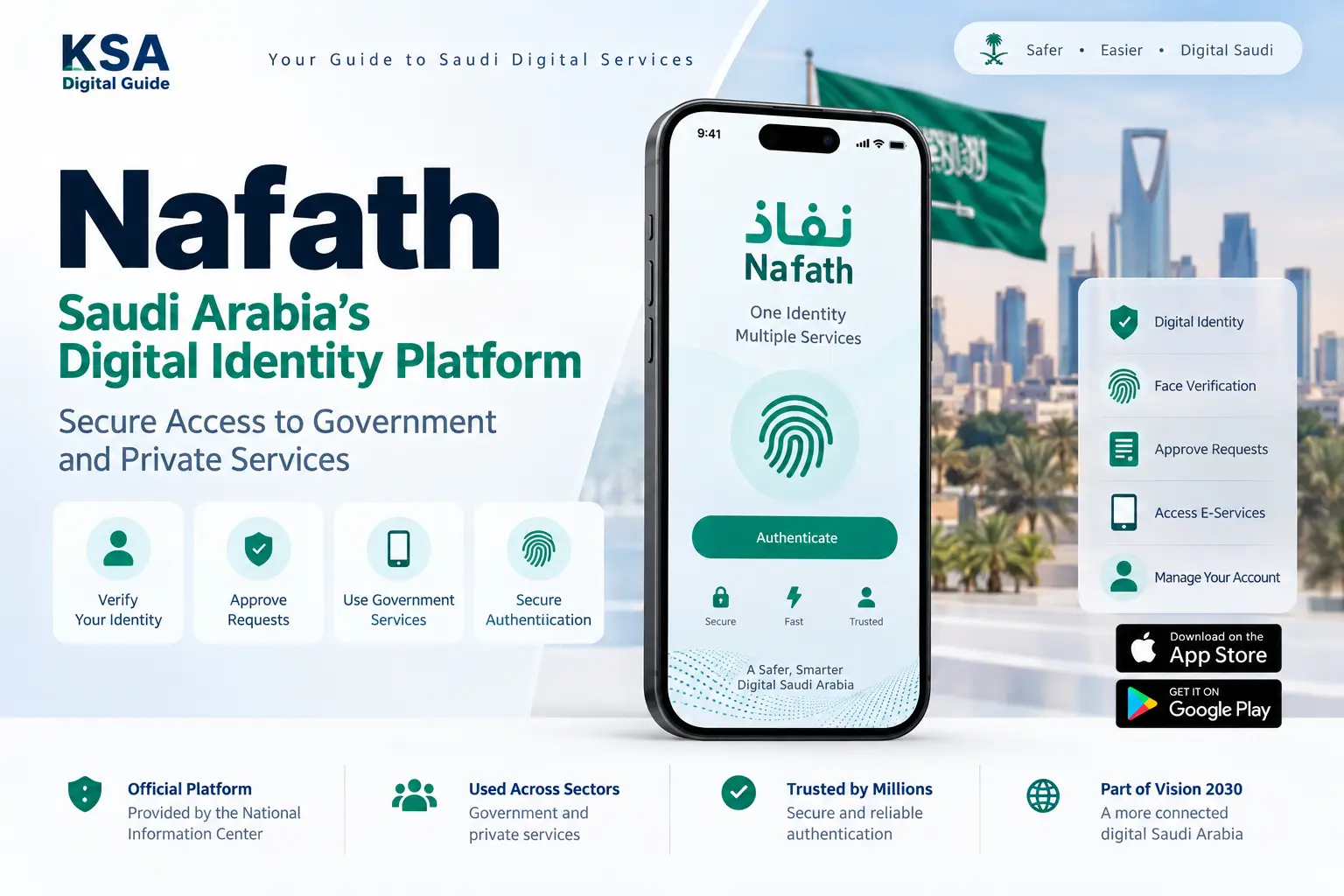
Nafath is a national digital identity system operated by the Saudi Data & AI Authority through the National Information Center. Its purpose is to help users verify their identity and securely access digital services.
The official Nafath platform supports identity authentication for government and private-sector services. The Nafath application also provides biometric verification and digital identity management features.
Depending on the service, Nafath can be used to approve an authentication request, verify identity using biometrics, manage the digital identity account or complete another supported authentication process.
KSA Digital Guide is an independent information website. It is not the official Nafath platform or the Saudi Data & AI Authority. Use the official Nafath website and application for account actions and identity verification.
What Can You Do With Nafath?
These are the main functions currently described by the official Nafath platform and application.
Digital Identity
Manage supported digital identity functions and use your identity for secure digital authentication.
Biometric Verification
Verify your identity using supported biometric authentication through the Nafath application.
Request Acceptance
Review and accept authentication requests received from supported service providers.
Location Verification
Use the supported location verification service when a service requires presence verification.
Nafath Digital Identity Management
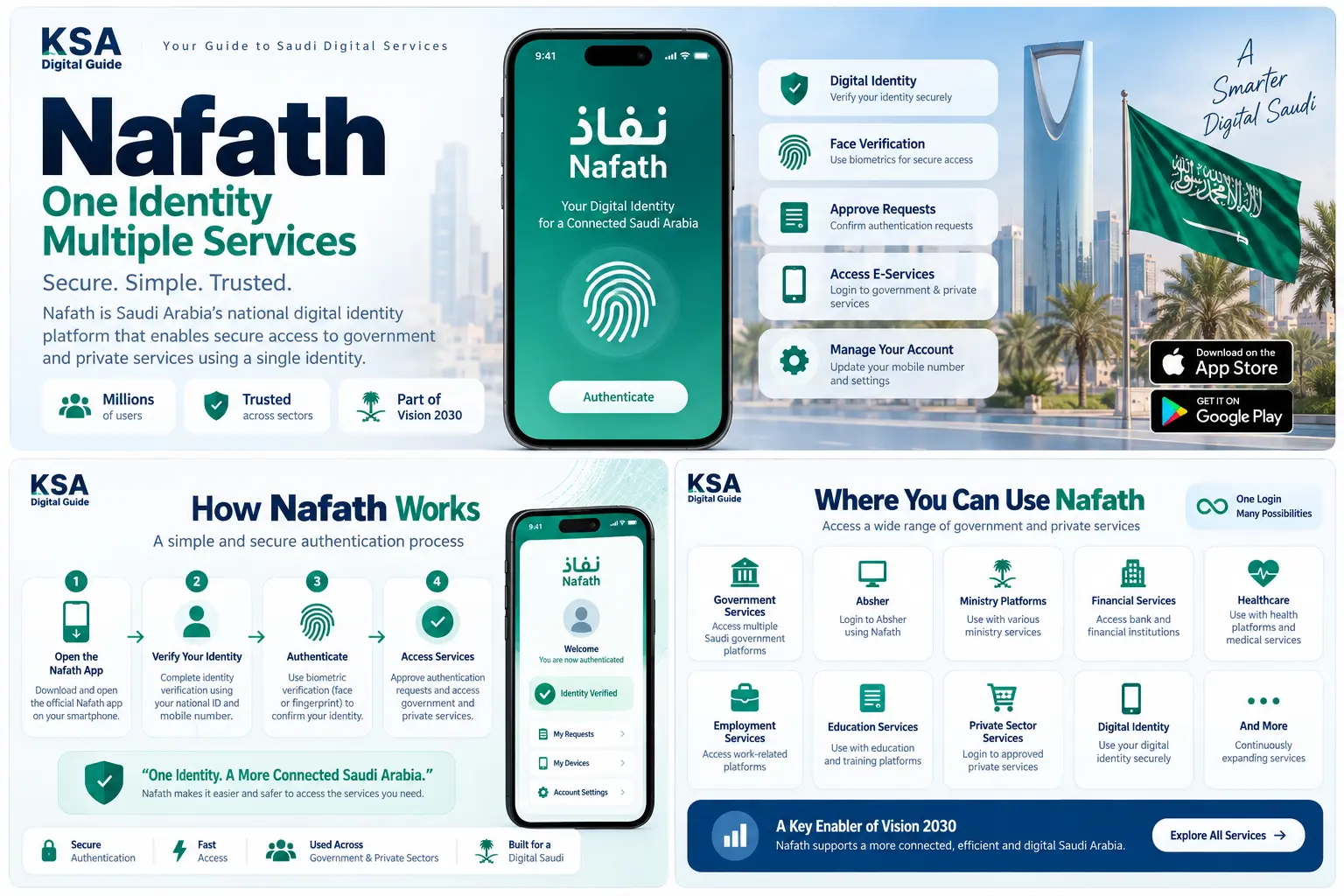
The official Nafath app includes several digital identity account management functions.
Activate Digital Identity
Activate your supported national digital identity through the Nafath application.
Registration & activation guide →Update Mobile Number
Update the mobile number connected to your supported digital identity using the Nafath process.
Mobile number update guide →Temporarily Suspend Digital Identity
Nafath includes a temporary suspension function for supported digital identity accounts.
Digital identity guide →How Nafath Authentication Works
The exact steps can vary by service, but a typical authentication flow follows these basic stages.
Open the Service
Start the government or private digital service that uses Nafath for identity authentication.
Start Authentication
The service may send an authentication request to your Nafath application.
Verify Your Identity
Depending on the request, you may need to select the correct request number, enter your PIN or complete biometric verification.
Complete the Service
After successful authentication, return to the service provider and continue with the requested task.
Always check the authentication request carefully before approving it. Do not share your Nafath PIN, login details or verification information with another person.
Nafath Mobile App
The official Nafath application provides digital identity verification and account management features. The current official app listing identifies the National Information Center as the developer.
The application currently includes request acceptance, biometric verification, digital identity activation, mobile number update, temporary suspension, single authentication and location verification.
Nafath Guides on KSA Digital Guide
Choose a detailed guide for the Nafath service or problem you are dealing with.
Nafath Login & Identity Verification
Learn how to log in to Nafath, verify your identity and complete common authentication steps.
Read Login Guide →Nafath Registration & Activation
Learn how to set up Nafath and activate the supported digital identity functions.
Read Registration Guide →Nafath Not Working
Find practical troubleshooting steps for login, OTP, app, verification and access problems.
Fix Nafath Problems →Nafath Face Verification
Learn how face verification works and what to check when biometric verification fails.
Read Face Verification Guide →How to Approve a Nafath Request
Learn how to identify the correct request, enter your PIN and complete biometric verification when required.
Approve a Request →Nafath Digital Identity
Explore digital identity activation, account management and other supported identity functions.
Digital Identity Guide →Update Nafath Mobile Number
Follow the detailed guide for updating the mobile number linked with your supported digital identity.
Update Mobile Number →Nafath FAQ
Find answers to common questions about login, verification, OTP, requests, identity and support.
View Nafath FAQ →Nafath Support & Troubleshooting
If the problem is not solved by the relevant guide, use the official Nafath support channels.
Nafath Call Center
8001221111
Official technical support is available 24/7.
Support Email
Support@nic.gov.sa
Use the official support email for Nafath-related
technical issues and inquiries.
When the Provider Has the Problem
If Nafath authentication succeeds but the government or private service does not open or complete, contact the service provider directly.
Nafath’s privacy policy states that user information can include device-related data, face images and verification codes. Do not share confidential login or verification information with other people.
Nafath FAQ
Quick answers to common Nafath questions.
What is Nafath used for?
Nafath is used for secure digital identity verification and authentication when accessing supported government and private-sector digital services.
Is Nafath the same as Absher?
No. Absher is a Saudi government services platform, while Nafath is a national digital identity and authentication platform. Nafath can be used to verify identity when accessing supported services.
Can I use Nafath without the app?
Some authentication methods and services may work differently depending on the service. The Nafath application provides the main mobile functions for requests, biometrics and digital identity management.
What should I do if Nafath face verification fails?
Check the official face-verification instructions, including camera cleanliness, face visibility, phone alignment and sufficient lighting. If the problem continues, use the detailed troubleshooting guide or contact official Nafath support.
How do I approve a Nafath request?
Open the incoming request in Nafath, check that the request number matches the number shown by the service, then follow the authentication steps. Some requests also require biometric verification.
How do I change my Nafath mobile number?
Nafath provides a digital identity mobile-number update function. Follow the current official process and use the detailed KSA Digital Guide tutorial for the steps.
Is KSA Digital Guide the official Nafath website?
No. KSA Digital Guide is an independent information website. Official identity actions and authentication should be completed through the official Nafath platform or application.
Official Nafath Information
Nafath services, requirements and application functions can change. Always check the official platform before completing an important identity or authentication action.
Open Official Nafath →Need Help With Nafath?
Choose the detailed guide that matches your problem — login, activation, face verification, request approval, digital identity or mobile number update.
Browse Nafath Guides →