
Muqeem Reports Guide
Learn how to use Muqeem Reports to view resident, visa, Iqama, travel and other establishment information through the official Muqeem platform.
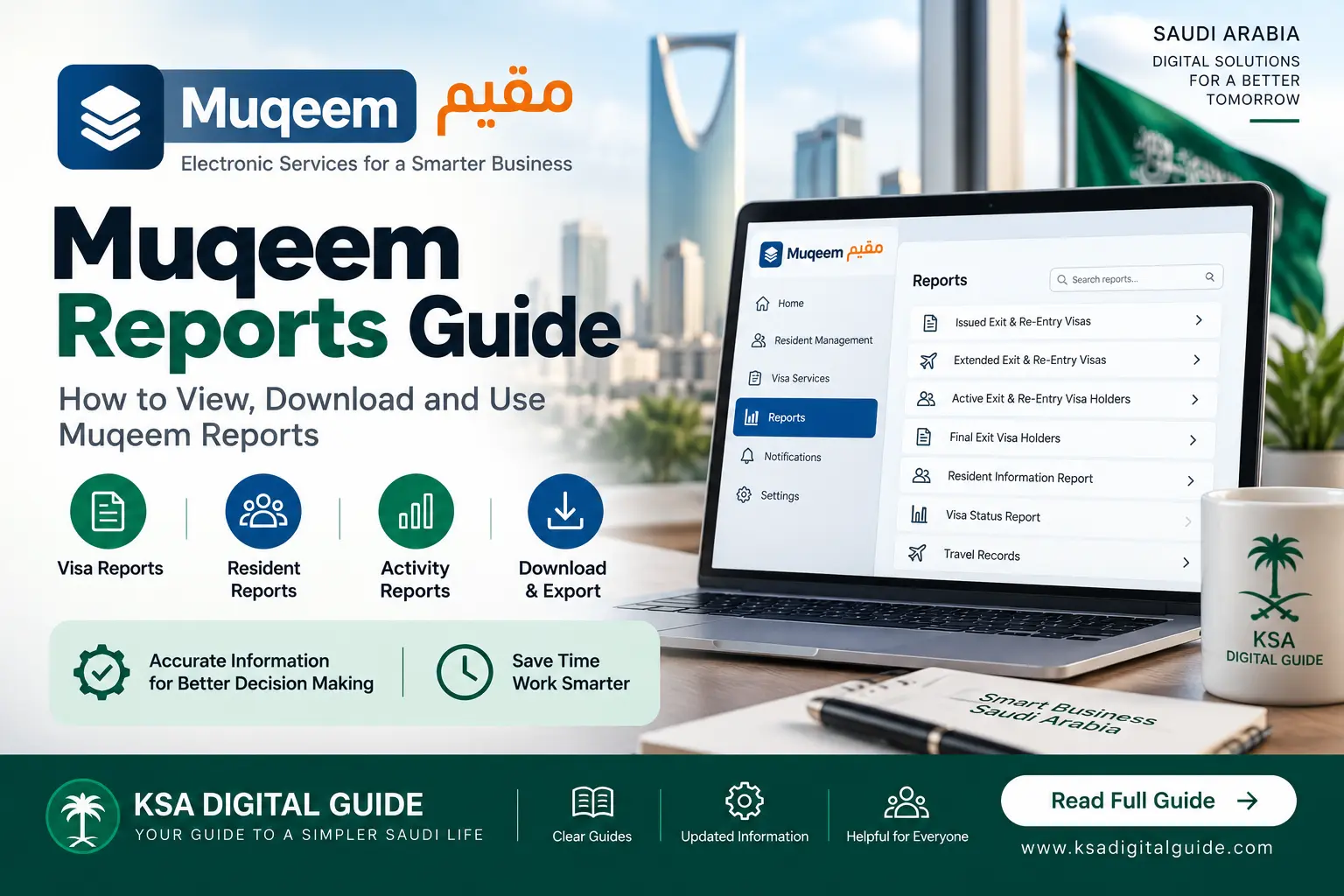
Muqeem Reports is the reporting section of the Muqeem platform. It allows authorized establishment users to access different reports about residents, visas, travel, Iqama, traffic and other establishment-related information. The current platform also provides custom reports and advanced reports for eligible users.
What Are Muqeem Reports?
Muqeem Reports is the reporting area of the Muqeem platform. The current platform describes it as a place where establishments can review their available reports.
These reports can help authorized users review resident information, visa activity, travel records, Iqama-related information and other data connected with the establishment.
Muqeem is primarily an establishment-facing platform. The reports available to a user depend on the establishment account and the permissions assigned to that user.
How to Access Muqeem Reports
The exact menu names can change as the platform is updated, but the current Muqeem platform has a dedicated Reports section.
Muqeem Resident Reports
The current Reports section includes several reports related to residents managed by an establishment.
Active Residents
Report showing active residents associated with the establishment.
Inactive Residents
Report for residents who are currently listed as inactive.
Residents With Dependents
Available report covering active residents and their dependents.
Issued Iqamas
Report related to Iqamas issued through the establishment’s resident management services.
Renewed Iqamas
Report showing available Iqama renewal information.
Transferred Services
Report related to resident service-transfer activity.
Muqeem Visa Reports
Muqeem provides several visa-related reports for establishments. These reports can help authorized users review visa information for residents managed through the platform.
Exit & Re-Entry Visa Holders
Report for residents with issued Exit & Re-Entry visas.
Extended Exit & Re-Entry Visas
Report related to Exit & Re-Entry visas that have been extended.
Active Exit & Re-Entry Visa Holders
Report covering residents with active Exit & Re-Entry visas.
Final Exit Visa Holders
Report for residents with issued Final Exit visas.
Active Final Exit Visa Holders
Current Muqeem reporting options include a report for active Final Exit visa holders.
Visa-Related Reports
Additional visa reports may appear according to the establishment’s available services and permissions.
Travel & Other Muqeem Reports
The Reports section also includes information beyond basic resident and visa reports.
- Travel Records: available travel-related information for residents.
- New Entries: information about visitors currently inside the Kingdom.
- Traffic Violations: available traffic-violation information for residents.
- Driving Licenses: information related to residents holding driving licences.
- Payments: available payment and invoice information.
- Insurance Reports: available resident and visitor insurance-related reports.
- Profession Reports: reports related to profession changes and approvals.
Advanced & Custom Muqeem Reports
The current Muqeem platform also lists Advanced Reports and Custom Reports.
Advanced Reports
Advanced reporting includes additional establishment-level reports. The current platform lists examples such as resident workforce turnover and runaway-resident reports.
Custom Reports
Muqeem also provides a Custom Reports area where an eligible user can create and manage custom report templates.
If you do not see an advanced or custom reporting option in your account, it may depend on your account, subscription, permissions or the services available to the establishment.
How to Download or Export a Muqeem Report
The current Muqeem platform includes download and export functions in its interface, including an option to export available data to Excel in report-related forms.
Muqeem Report Verification
Muqeem also provides a separate verification function for Muqeem reports. This is different from the internal Reports section used by an establishment.
If someone gives you a Muqeem report and you need to verify it, use the official Muqeem report-verification service rather than relying only on a screenshot or printed copy.
Important Points About Muqeem Reports
- Muqeem reports are primarily intended for establishments and authorized users.
- The reports available to your account depend on your role, permissions and available services.
- Report names and platform menus can change when Muqeem is updated.
- Always check the report date and information before using it for an official process.
- Resident and visa information should be handled carefully because it may contain personal information.
- If a report is not visible, check whether your account has access to that report or contact Muqeem support.
Muqeem Reports vs Resident Status Check
Muqeem Reports FAQ
Muqeem Reports is the reporting section of the Muqeem platform. It provides authorized establishment users with different reports about residents, visas, travel and other establishment information.
Current reports include resident, Iqama, Exit & Re-Entry, Final Exit, travel, traffic, driving licence, insurance, payment and other establishment reports.
Available reports can include download or export functions. The exact option depends on the report and your account access.
The current Muqeem interface includes an Excel export function for available report data.
Report availability can depend on your establishment account, permissions and available Muqeem services.
Muqeem is primarily an establishment-facing platform. Individual residents should use the appropriate personal government service for their own transactions and status checks.
Related Muqeem Guides
Need More Muqeem Help?
Explore our Muqeem guides for login, visa status and other digital services.
Explore Muqeem Guides →