Tawakkalna Digital Documents & Cards Guide
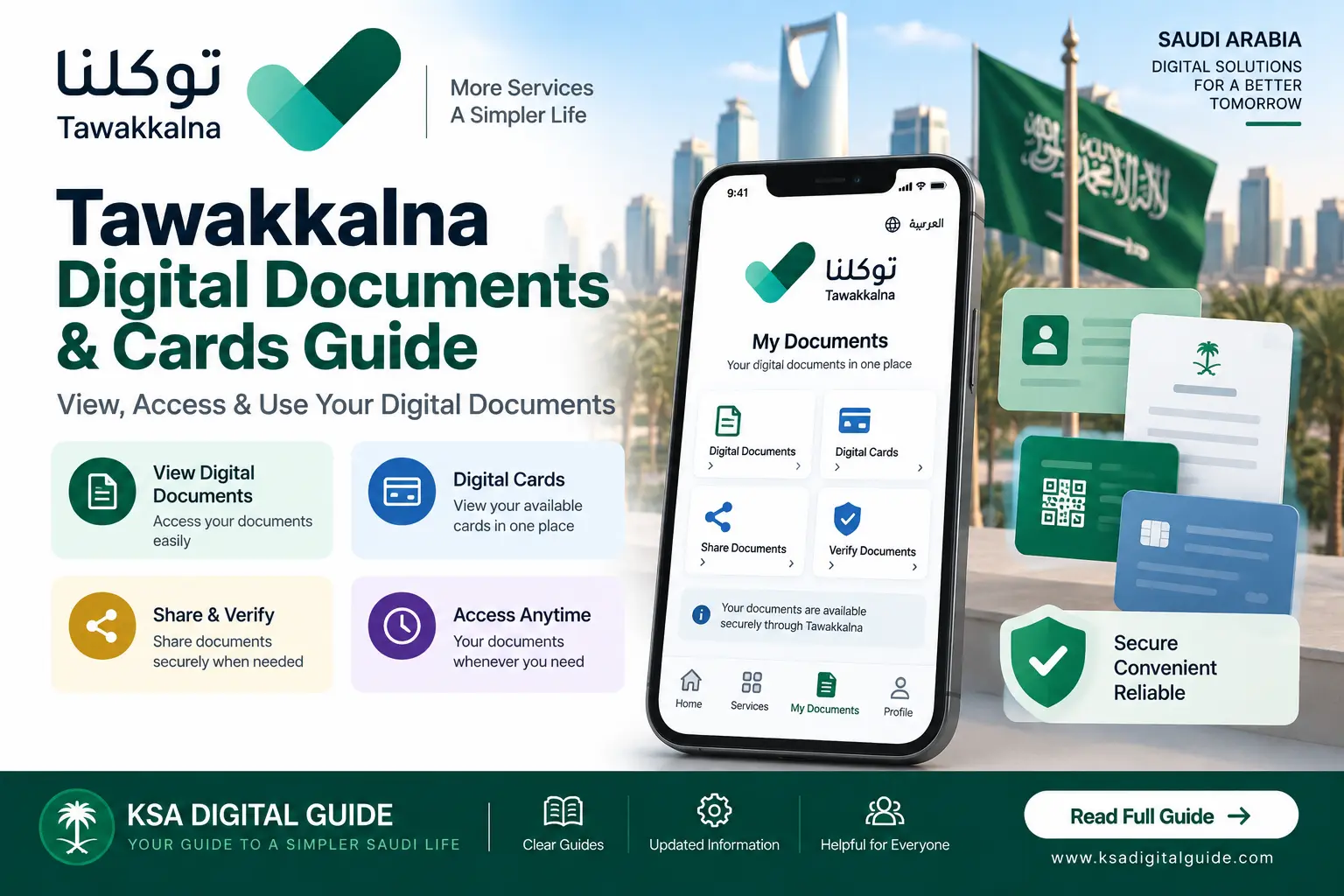
Tawakkalna allows users to access available personal information, important cards and digital documents through the app. This guide explains where to find them, what you can do with available documents and how the official digital document service works.
What Are Tawakkalna Digital Documents?
Digital documents are electronic versions of documents made available through Tawakkalna and related Saudi government services. The current Tawakkalna app places user data, cards and important documents in the Personal section.
GOV.SA also provides an official Digital Documents service that allows beneficiaries to view available digital documents electronically.
What Can You Access?
Digital Documents
View the digital documents that are available in your account.
Important Cards
Access cards that are available through your Tawakkalna Personal section.
Personal Information
View available personal information connected to your Tawakkalna account.
Digital Records
Access supported digital information provided through connected government services.
CV Information
The current app also lists access to a CV within the Personal section.
Share Available Information
Tawakkalna’s current app description includes options to browse and share available information and documents.
How to Find Your Digital Documents
The exact screen names can change as the app is updated, but the current Tawakkalna app places personal data, cards and important documents in the Personal section.
Open Tawakkalna
Open the official Tawakkalna application and sign in.
Open Personal
Go to the Personal section of the application.
Find Documents
Look for your available documents or cards.
Open a Document
Select the document you want to view.
How the Official Digital Documents Service Works
Saudi Arabia’s official GOV.SA Digital Documents service provides access to digital documents for eligible beneficiaries.
Log in to Absher
Open the official Absher platform and sign in.
Open My Services
Select My Services from your Absher account.
Open General Services
Select the General Services section.
Select Digital Documents
Open the Digital Documents service.
Identify Mobile Number
Select the mobile-number identification option for Tawakkalna when required.
View Available Documents
View the digital documents available in your account.
What Are Tawakkalna Digital Cards?
Tawakkalna’s current app includes important cards within the user’s Personal section. The exact cards shown can depend on the information and services available to the account.
View Cards
Open available cards from your personal information area.
Access When Needed
Keep available digital information accessible through the app.
Share Information
The current app supports browsing and sharing available information and documents.
Tawakkalna Wallet & Digital Cards
Saudi Arabia also has an official Tawakkalna Wallet service. It allows participating entities to create and manage digital cards and permits, while Tawakkalna users can access those cards through the app.
Can You Share Tawakkalna Documents?
The current official Tawakkalna app description states that users can browse and share available information and documents from the Personal section.
Only share information when necessary and with the person or organization that needs it. Avoid sending personal documents through unknown websites or unofficial services.
What If a Document Is Not Showing?
Check Your Account
Make sure you are logged in to the correct Tawakkalna account.
Update the App
Check the official app store for a newer Tawakkalna version.
Check Your Information
Some digital information depends on records connected to your account.
Check the Official Service
If the document is related to a government service, check the responsible official platform.
Try Again Later
Temporary technical or service issues can affect what is displayed.
Use Official Support
Contact Tawakkalna support if the problem continues.
Tawakkalna Digital Documents vs Physical Documents
Digital Documents
Available electronically through supported government digital services and the Tawakkalna app.
Physical Documents
Physical documents remain separate from the digital copy shown through an app.
Related Tawakkalna Guides
Frequently Asked Questions
Where are Tawakkalna digital documents?
The current app places personal data, cards and important documents in the Personal section.
Can I view my digital cards in Tawakkalna?
Yes, available cards can be accessed from the Personal section of the current Tawakkalna app.
Can Tawakkalna documents be shared?
The current official app listing says users can browse and share available information and documents.
Who can use the Digital Documents service?
GOV.SA lists citizens and residents among the target users of the official Digital Documents service.
Why is my digital document not showing?
Check your account, app version and the relevant government service. Availability can depend on the records and services connected to your account.
What is Tawakkalna Wallet?
Tawakkalna Wallet is an official digital product that allows participating entities to create and manage digital cards and permits that Tawakkalna users can access through the app.
Need More Tawakkalna Help?
Explore our Tawakkalna guides for registration, login, services and other digital features.